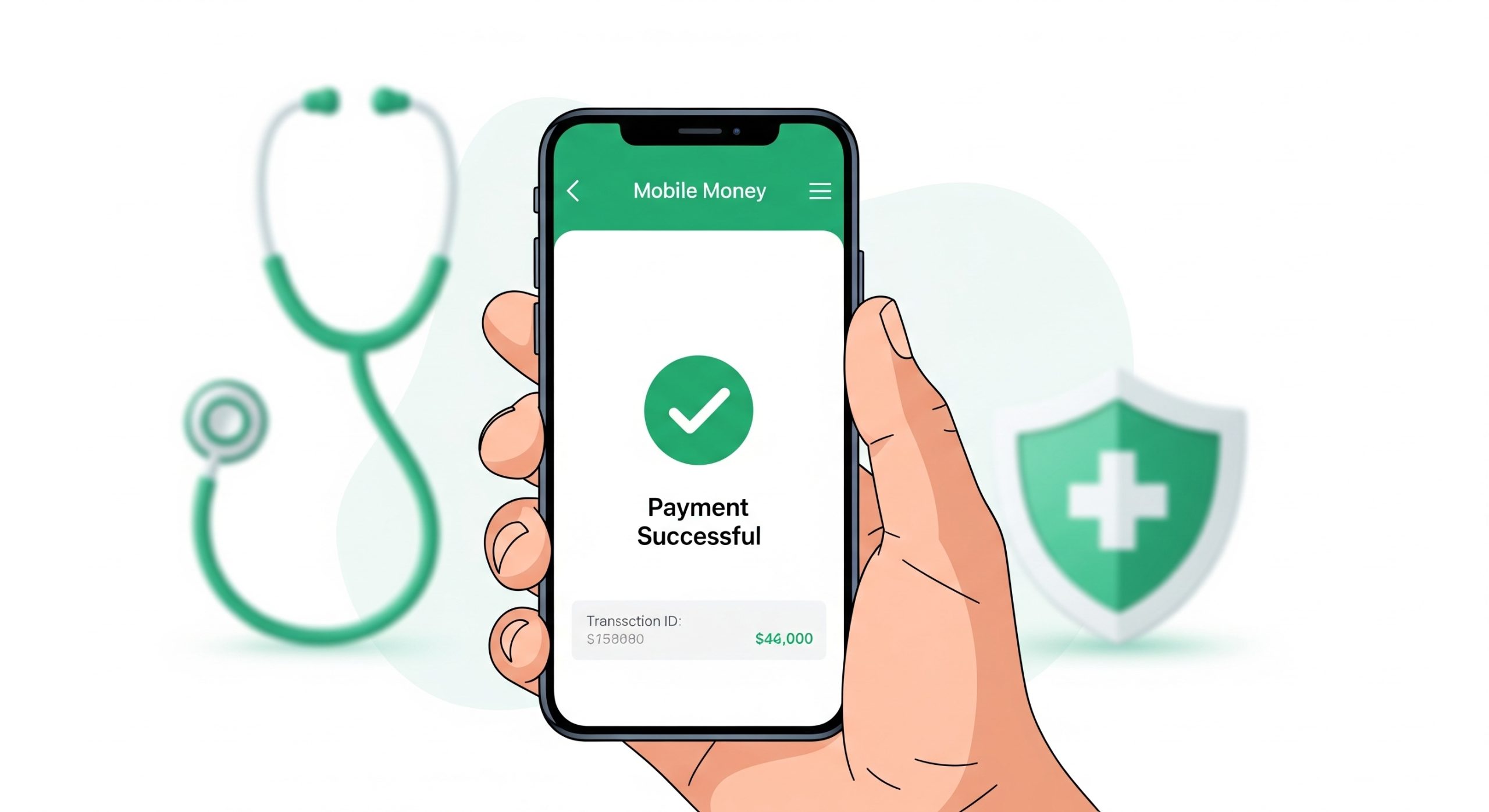
The Social Health Authority (SHA) has replaced the NHIF, and all Kenyans are now required to make SHA contributions to the new Social Health Insurance Fund (SHIF).
For self-employed individuals and voluntary contributors, the most convenient way to remit your SHA payments is through M-Pesa. The official SHA Paybill number is 200222.
Below are the simple steps to make your SHA payment.
Method 1: Pay via M-Pesa Paybill (Direct Method)
This is the standard method for making SHA payments directly from your Sim Toolkit or M-Pesa App.
The Details You Need:
- SHA Paybill Number:
200222 - Account Number: Your National ID Number
- Amount: Your specific SHA contribution amount (Minimum Ksh 300 for non-salaried).
Step-by-Step Instructions:
- Open the M-Pesa menu on your phone.
- Select Lipa na M-Pesa.
- Select Paybill.
- Enter Business Number: 200222.
- Enter Account Number: Type your National ID Number.
- Note: Do not add spaces or other text, just the ID number.
- Enter the Amount you wish to contribute.
- Enter your M-Pesa PIN and send.
- You will receive a confirmation SMS from M-Pesa and SHA confirming the payment.
Method 2: Pay SHA via USSD Code (*147#)
If you are unsure of your SHA arrears or want a guided menu, use the USSD code.
- Dial
*147#on your mobile phone. - Login by entering your National ID Number.
- Select the option for Make Payment or Check Status.
- Select Pay for Self (or “Pay for Other” if paying for a spouse/child).
- Choose the payment period or enter the amount.
- When prompted for payment, select M-Pesa.
- You will receive a pop-up on your phone to enter your M-Pesa PIN.
- Enter your PIN to complete the SHA transaction.
Method 3: Pay via Online Portal (Afya Yangu)
If you need to generate a specific e-slip or print a receipt for your SHA records, use the online portal.
- Visit the SHA / Afya Yangu Portal: https://sha.go.ke or https://afyayangu.go.ke.
- Log in using your ID Number.
- Navigate to the Payments or Contributions tab.
- Click on Make Payment.
- Select M-Pesa as your payment option.
- Follow the instructions to trigger an STK push to your phone or view the Paybill details to pay your SHA dues manually.
Frequently Asked Questions (FAQs)
What is the minimum SHA amount I can pay?
For non-salaried (informal sector) contributors, the minimum monthly SHA contribution is Ksh 300. Salaried employees have 2.75% of their gross salary deducted automatically by their employer.
What is the deadline for payment?
SHA contributions should be made by the 9th of every month to avoid penalties or loss of cover.
My SHA payment is not reflecting. What should I do?
Payments usually reflect instantly. If there is a delay:
- Wait for 24 hours.
- Check if you received the M-Pesa confirmation SMS.
- Contact SHA support via their toll-free line 0800 720 601 or dial
*147#to check your statement.
Can I pay SHA for someone else?
Yes. Use the Paybill method (Method 1) and simply enter their National ID Number as the Account Number.
READ ALSO; Safaricom Revenue Growth Hits Record $3 Billion in Landmark Tech Transformation