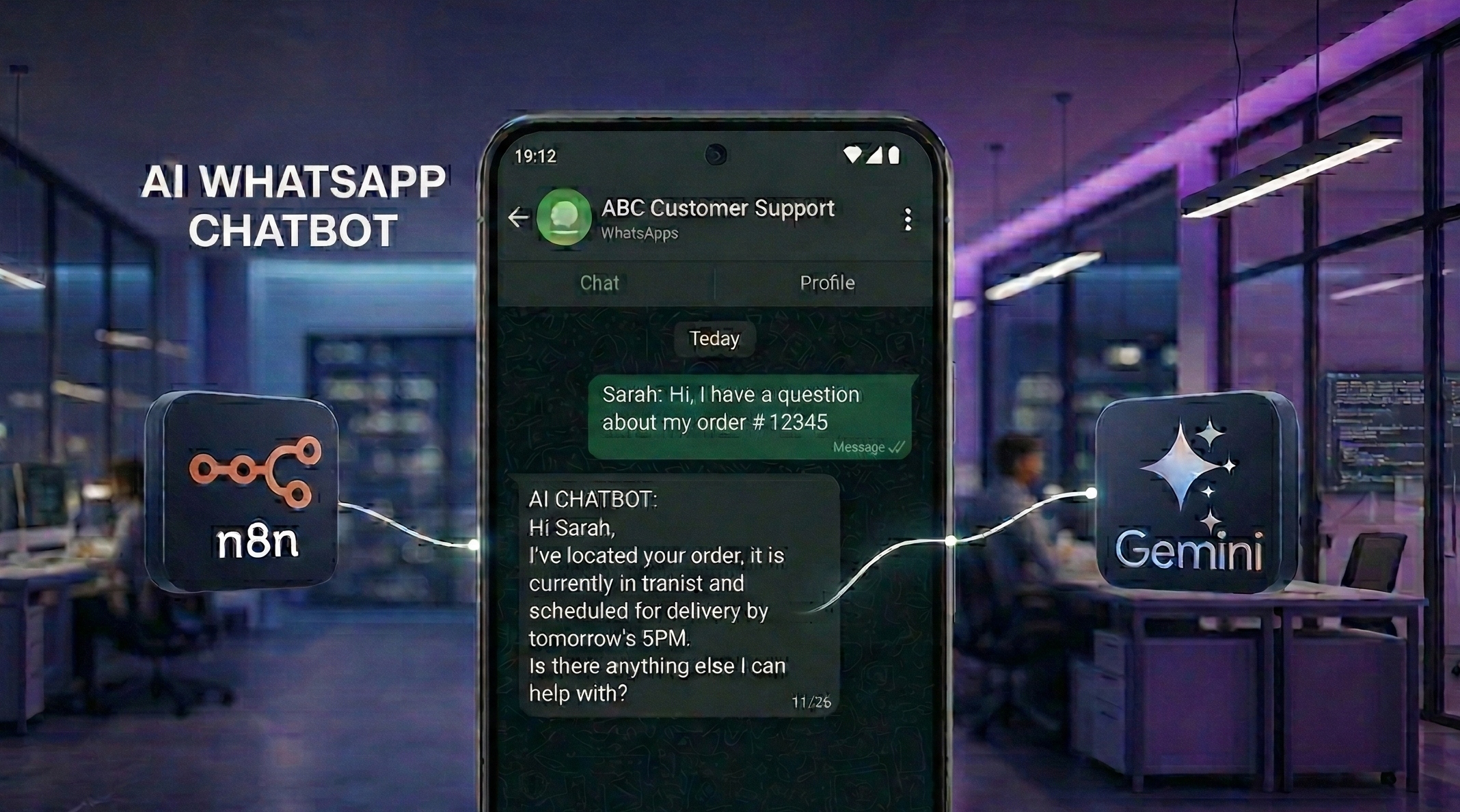
Setting up a professional WhatsApp chatbot using n8n and Google’s free Gemini API is the ultimate growth hack for businesses in 2026. Have you ever imagined providing expert, instant customer service to thousands of people simultaneously without spending a single cent on per-message AI fees?
The transition from manual chatting to autonomous AI workflows is now accessible to every entrepreneur, regardless of their technical background. By combining open-source orchestration with powerful free-tier AI models, you can build a high-performance sales engine that works while you sleep.
According to the latest industry insights from Gartner, the rise of “agentic” AI is expected to automate over 70% of routine customer interactions by the end of next year. This shift represents a massive opportunity for early adopters to capture market share and reduce operational overhead significantly.
Step 1: Secure your WhatsApp Business API via Meta
The first technical requirement for your WhatsApp chatbot is a verified account on the Meta for Developers portal. You cannot build a professional automation on a standard phone app; you must use the official Cloud API to ensure stability, speed, and long-term compliance.
Navigate to the Meta for Developers site, create a new “Business” app, and add the WhatsApp product to your dashboard. This process will provide you with a “Phone Number ID” and a “Permanent Access Token,” which are the keys to your integration.
During this stage, you must also verify your business identity to unlock higher messaging limits and ensure your account is not flagged for spam. Meta’s official documentation provides a clear roadmap for this verification, which is the cornerstone of a trusted digital presence.
Step 2: Get your free Gemini AI API key from Google
One of the most cost-effective ways to power your WhatsApp chatbot is by using the Gemini API, which Google currently offers with a generous free tier for developers. This allows you to use world-class reasoning capabilities without the high costs associated with other providers.
To get started, visit the Google AI Studio API Key Page and generate a new API key for your project. This key is what allows your automation “bridge” to send customer questions to Google’s servers and receive intelligent answers in return.
Industry analysts at TechCrunch highlight that Google’s aggressive pricing for Gemini is disrupting the AI market, making it easier than ever for SMEs to compete. By using this free resource, you can reinvest your savings into marketing and product development.
Step 3: Launch your n8n automation bridge
To connect the brain of Gemini to the ears of WhatsApp, you need a workflow automation tool called n8n. You can sign up for a cloud account at n8n.io or host it yourself to maintain 100% control over your business data.
Think of n8n as the “logic center” where you will design the exact path a message takes from the moment a customer hits “send” on their phone. It is a visual builder that allows you to “draw” your business processes without writing a single line of complex code.
In the n8n interface, your first node will be a “Webhook” node, which provides a unique URL that you must paste back into your Meta Developer settings. This “Callback URL” tells Meta exactly where to send every incoming message so your AI can process it instantly.
Step 4: Import and “Swap the Brain” of your WhatsApp Chatbot Template
The fastest way to get your WhatsApp chatbot running is to use a pre-built template that supports text, voice, and images. You can use this AI-Powered WhatsApp Agent Chatbot Template directly from the n8n library.
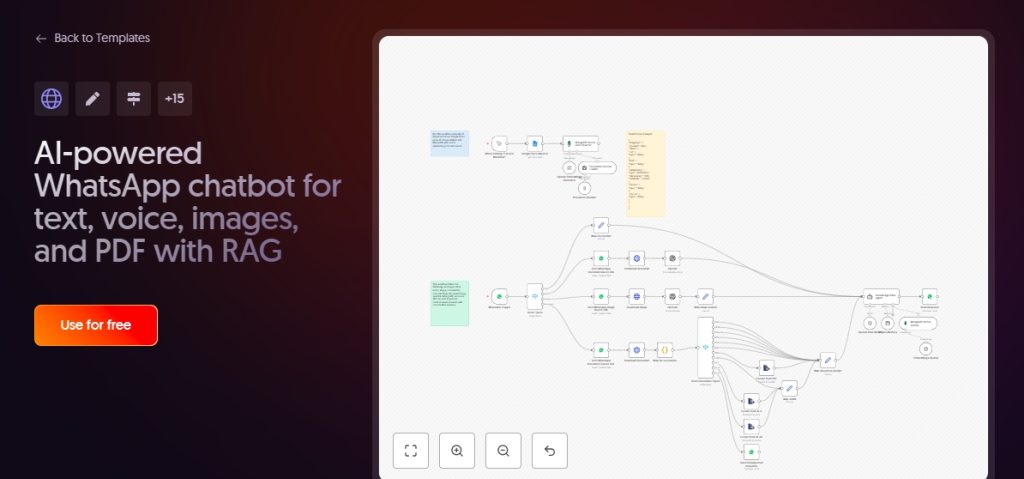
Simply click “Copy Workflow” on that page, go to your n8n canvas, and press Ctrl+V. Note that the template defaults to ChatGPT; you must click on the “AI Agent” or “OpenAI” nodes and change the “Model” to Google Gemini.
After switching the “brain” to Gemini, paste the API key you generated from Google AI Studio into the credentials section. This simple swap allows you to benefit from the advanced logic of a high-end chatbot while taking advantage of Google’s free API pricing.
Step 5: Activate and test your automated agent
After pasting your keys, click the “Execute Workflow” button in n8n and send a test message to your business WhatsApp chatbot number. You should see the data flow through the nodes in real-time, with Gemini generating a response that is then pushed back to your phone.
If the response isn’t exactly what you want, you can refine your “System Prompt” inside the Gemini node to better reflect your company’s unique voice. For more technical deep dives into API best practices, the Twilio Blog offers excellent guides.
As your WhatsApp chatbot begins to interact with real customers, you can monitor the execution logs inside n8n to see where the AI’s knowledge base needs more detail. This continuous optimization ensures your brand remains at the forefront of the conversational commerce revolution.
READ ALSO; How to use ChatGPT autonomous agents for your business