
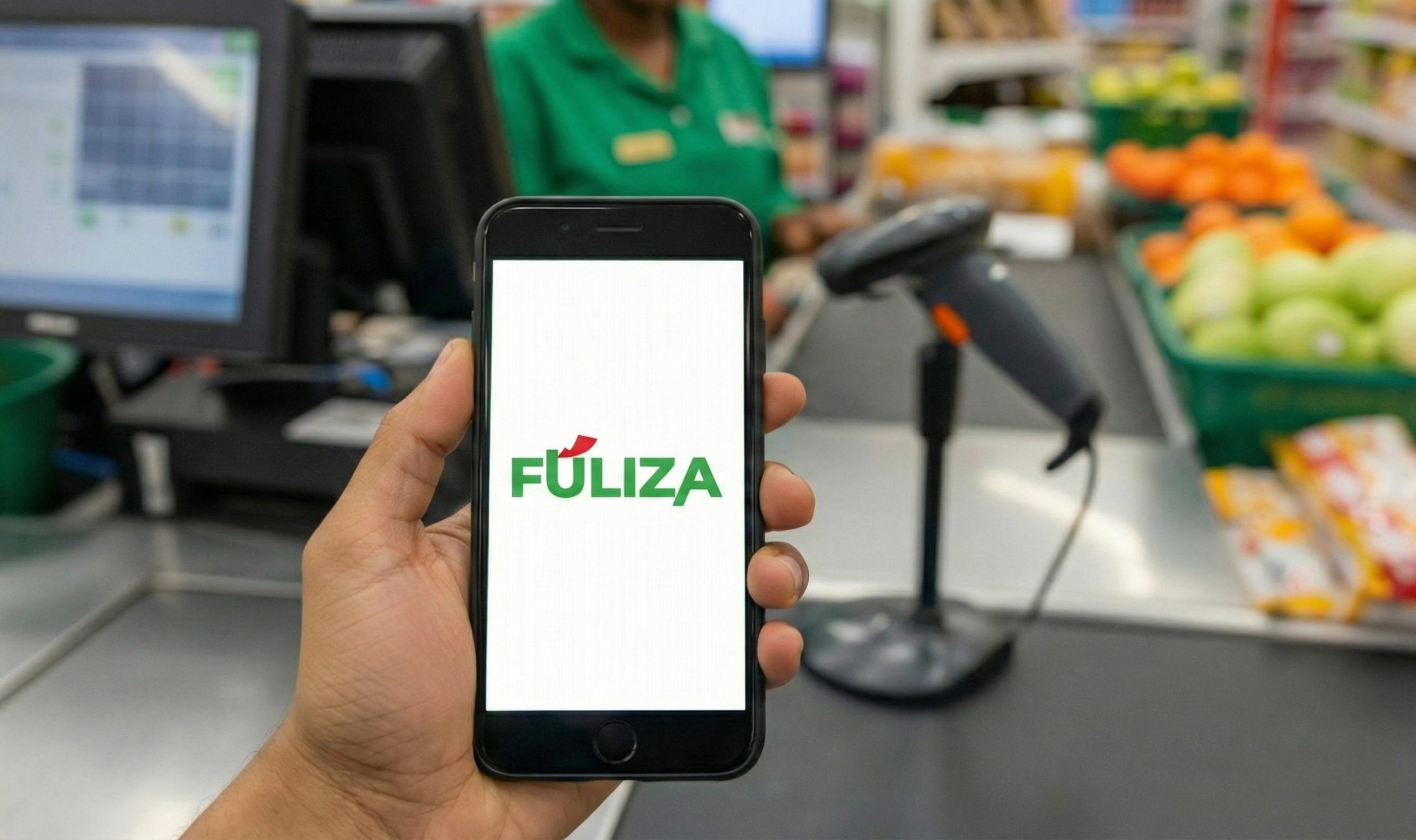
Have you ever stood at a supermarket checkout, items scanned and bagged, only to realize your M-PESA balance is short by a few shillings? It is a sinking feeling. Fortunately, Safaricom introduced Fuliza M-PESA, a continuous overdraft service that has revolutionized how Kenyans transact.
Whether you are new to the ecosystem or just haven’t activated this feature yet, this guide will teach you how to use Fuliza M-PESA, how to increase your limit, and how to stay on top of the charges.
Eligibility: Who Can Use Fuliza M-PESA?
Not everyone can wake up and immediately access an overdraft. To qualify for the Fuliza M-PESA service, you must meet these simple criteria:
- Registered M-PESA Customer: You must have a valid Safaricom line.
- The 6-Month Rule: Your line must have been active for at least 6 months. If you bought your line last week, you will likely get a “Zero Limit” (0.00).
- Credit History: You generally need a good repayment history on other Safaricom services (like Okoa Jahazi).
Using Fuliza M-PESA for the First Time: A Walkthrough
If you are accessing Fuliza M-PESA for the first time, follow this exact sequence to avoid embarrassment at the till.
Step 1: Opt-In (Activation)
You cannot use the overdraft until you formally join the service.
- Dial *234#.
- Select Option 0: Fuliza M-PESA.
- Select Option 1: Yes to opt-in.
- Accept the Terms and Conditions.
Step 2: Check Your Fuliza M-PESA Limit
Crucial Step: Just because you opted in doesn’t mean you have money.
- Dial *234#.
- Select Fuliza M-PESA.
- Select Check My Limit.
- If it says KES 0.00: You are not yet eligible for a limit (usually due to the 6-month rule). Continue using M-PESA normally to build your score.
- If it says KES 500.00 (or more): This is the maximum amount you can borrow using Fuliza M-PESA.
Step 3: Your First Transaction
You do not “withdraw” funds to your phone. You simply spend more than you have.
- Scenario: You want to send KES 1,000 to your mom, but you only have KES 200 in your M-PESA.
- Action: Go to “Send Money” and enter KES 1,000.
- The Prompt: The system will detect the shortage and ask: “Insufficient funds. Do you want to Fuliza KES 800 + transaction fees?”
- Accept: Enter 1 (Yes) or your PIN to confirm.
- Result: The recipient gets the full KES 1,000. Your balance reads -KES 800 (plus fees).
Understanding Fuliza M-PESA Charges
Fuliza M-PESA is not free money. There are two types of costs involved:
- Access Fee: A one-off fee of 1% charged on the amount borrowed.
- Daily Maintenance Fee: A daily charge applied for every day your account remains overdrawn.
Pro Tip: If you repay the loan within 24 hours, generally, the daily maintenance fee is waived (though the access fee still applies).
For the most current tariff rates, always check the Official Safaricom Fuliza M-PESA Page.
How to Repay Your Loan
Repayment is automatic.
Unlike other mobile loans where you have to navigate a menu to “Pay Loan,” Fuliza M-PESA simply deducts any money that lands in your account.
- If someone sends you money, it goes to clear the overdraft.
- If you deposit cash at an agent, it clears the overdraft.
Warning: You cannot hold money in your account while you have a negative Fuliza M-PESA balance. The system sweeps the account instantly to recover the debt.
How to Increase Your Fuliza M-PESA Limit
Are you stuck with a low limit like KES 500? Here is how to grow it:
- Transact Often: Use M-PESA for everything—bills, airtime, shopping.
- Repay Early: Don’t let your overdraft sit for days. Pay it back as soon as possible.
- Stay Active: Keep using your Safaricom line for calls and data.
- Opt-Out and Opt-In: Sometimes, opting out (dial *234#) and opting back in after a few days can refresh your score, though this is not a guaranteed hack.
Summary: Pros and Cons
| Pros | Cons |
|---|---|
| Instant: No approval waiting time. | Automatic Deductions: You can’t save money if you owe Fuliza M-PESA. |
| Convenient: Saves you from embarrassment at the till. | Daily Fees: Can become expensive if not paid quickly. |
| No Security Needed: Unsecured credit. | Limits: New users often start with low limits. |
Final Thoughts
Fuliza M-PESA is a powerful financial tool when used correctly. It bridges the gap during emergencies. However, because it is so easy to use, it is equally easy to overspend. Always remember that it is debt.
Use it for needs, not wants.
For more details on terms and conditions, visit the NCBA Group Website.
READ ALSO; Back to School Made Easier With the Equity Prepaid Card for Students




[…] READ ALSO; How to Fuliza M-PESA for the First Time: Step By Step Guide […]
[…] READ ALSO; How to Fuliza M-PESA for the First Time […]